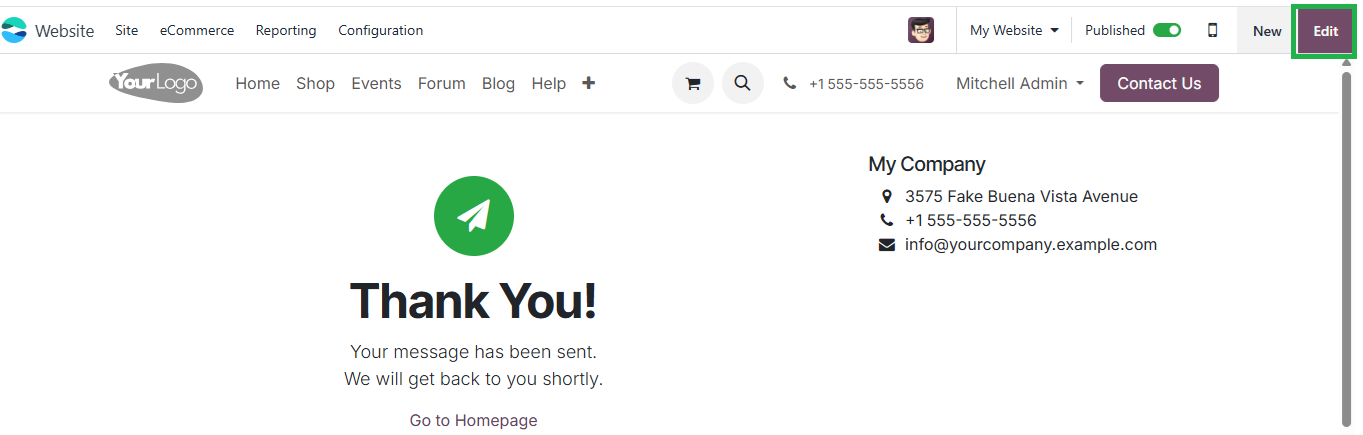
You can customize the auto-reply email message through the Email Templates in Odoo.
📌 Steps:
-
Go to Settings → Activate Developer Mode.
-
Navigate to Technical → Email → Templates.
-
Search for the template related to Contact Us (e.g., Website: Contact us or crm.lead auto-reply).
-
Open the template, modify the Body HTML and Subject as needed.
-
Save changes.